Select an object and you will see its layer on the Layer panel. Click  or
or  button to bring it to front or send it back.
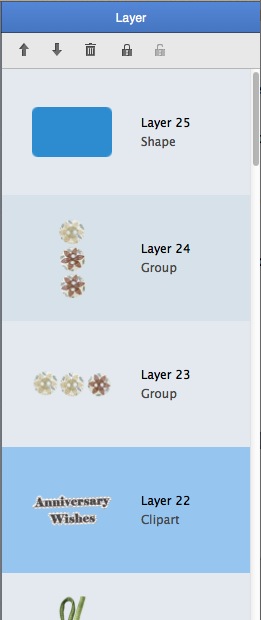
Click  to delete the layer and also the corresponding object.
Click  to lock any object in scrapbook so that it can’t be moved or deleted. Click
  to unlock it.
You are free to rearrange the layer order by simply dragging and dropping.
© Copyright PearlMountain. All Rights Reserved. Online Logo Design